



Ph: 1800 577 548
Sid Kids Promo
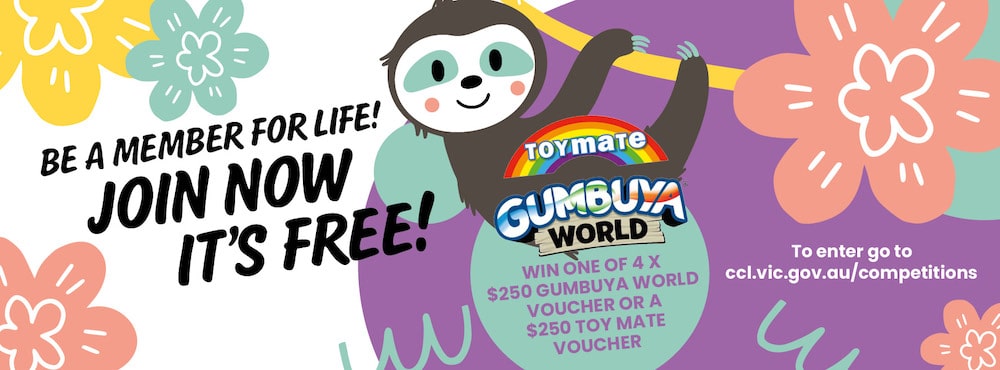
Have you just joined a child member? Head to your favourite library to get a special edition Sid the Sloth Library Card and Bag!
Have you just joined a child member? Head to your favourite library to get a special edition Sid the Sloth Library Card and Bag!
Explore an extensive collection of e-audiobooks with uLibrary.
Discover new authors, revisit old favourites and enjoy thousands of titles anytime, anywhere on your preferred device.
No waiting lists! Every available title can be borrowed instantly so you can start listening straight away.
Features include:
· Instant access to thousands of e-audiobooks
· No waiting lists for available titles
· Borrow 24/7 from home or on the go
· Download titles for offline listening
· Browse, borrow and return items with ease using the uLibrary app or website
1. Visit the uLibrary website.
2. Select your library and sign in using your library card number and PIN.
3. Browse or search for e-audiobooks by title, author, narrator or subject.
4. Select a title to view more information.
5. Select Borrow to check out your chosen e-audiobook and start listening immediately.
6. Listen to e-audiobooks directly in your web browser.
7. View your current loans and account details in My Account.
8. Return e-audiobooks early if you have finished listening or allow your loan to expire automatically at the end of the loan period.
1. Download the uLibrary app from the Apple App Store or Google Play Store.
2. Open the app and select your library.
3. Sign in using your library card number and PIN.
4. Browse or search for e-audiobooks by title, author, narrator, keyword or category.
5. Tap Borrow to instantly borrow an available e-audiobook and start listening.
6. Download your borrowed e-audiobooks to enjoy offline or stream them while connected to the internet.
7. Manage your loans, view your borrowing history and access your account details through My Account.
8. Return e-audiobooks early if you have finished listening or allow your digital loan to expire automatically at the end of the loan period.
Visit ulibrary.com for helpful tutorials including how-to videos to get you started. If you need further assistance, please contact your local branch.