


Ph: 1800 577 548
Have you just joined a child member? Head to your favourite library to get a special edition Sid the Sloth Library Card and Bag!
The internet is an essential part of our everyday lives, but it’s not without risks. From scammer emails to identity theft and cyberbullying, staying informed and vigilant is critical to avoiding harm.
Protecting personal data and understanding digital footprints are now vital life skills for all age groups.
New internet users such as seniors are exploring the online world for the first time.
It’s important to learn about scams and fraud to avoid becoming a target.
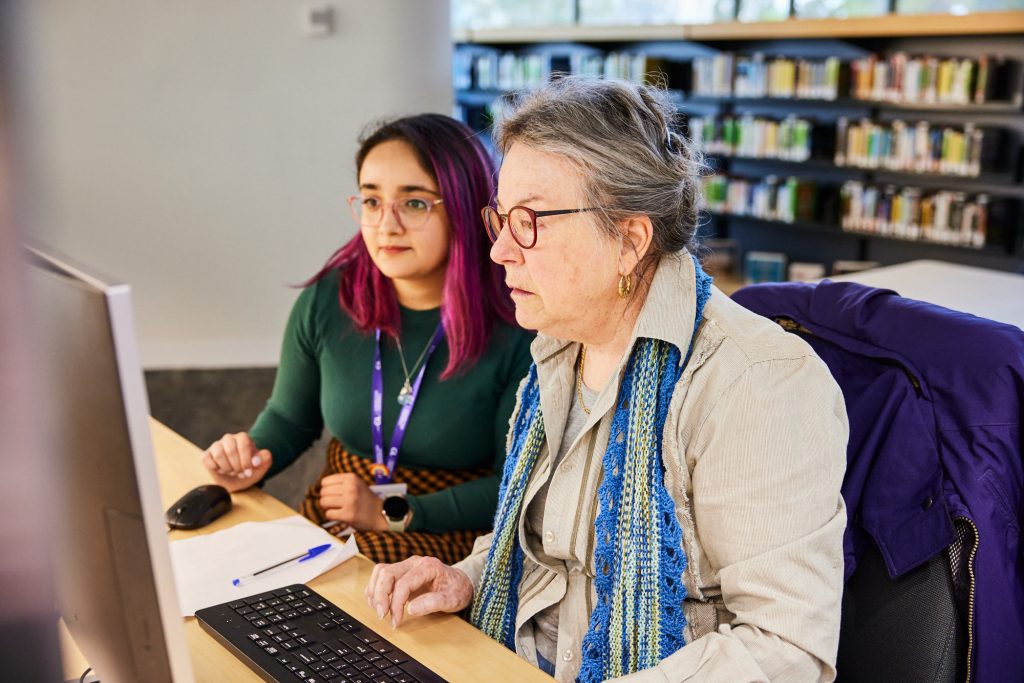
Connected Libraries offers free Tech Time sessions, which allows you to get one-on-one support from our expert team to help you with tech issues or questions.
It’s never too early to teach young people about online safety.
With the increasing use of social media, online games, and digital learning platforms, children and teenagers face unique risks.
Empowering them with awareness can help them avoid cyberbullying, scams, and privacy breaches.
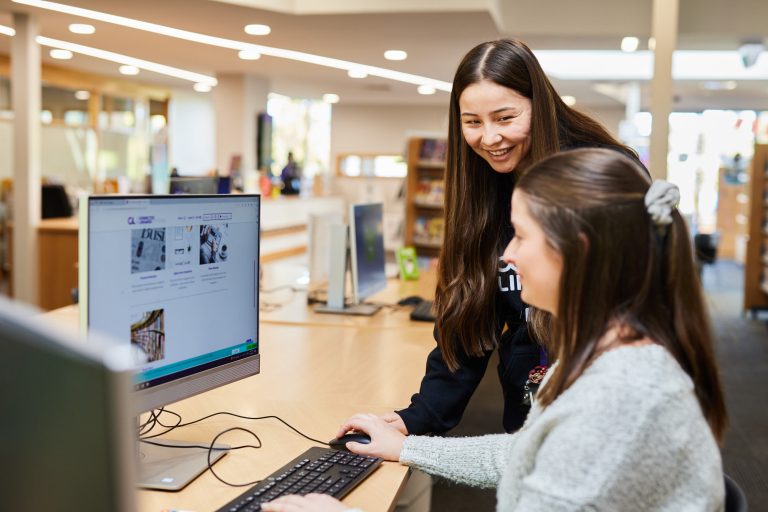
The library offers free workshops to educate our patrons about online safety and teach them how to use your phone or laptop confidently, making the most of your devices.
Our classes cover online banking, detecting scams, photo editing, organising your emails, creating safe passwords and so much more.
Use Multi-Factor Authentication (MFA)
Multi-Factor Authentication, or MFA, is an extra security step used when logging into an account. After entering your password, you may be asked to enter a code sent to your phone or email. This makes it much harder for someone else to access your account, even if they know your password.
Be Careful Using Public Wi-Fi
Public Wi-Fi, such as free internet at cafés, shopping centres or airports, is often less secure than your home internet. This means hackers may be able to see the information you send. Avoid logging into important accounts like online banking or entering personal details while using public Wi-Fi.
Check That a Website Is Safe
Before entering your personal information online, check that the website address starts with https://. The “s” means the site is secure and helps protect your information. Be cautious of links in emails, text messages or pop-up ads, especially if they look unusual or ask for personal details.
Review Your Privacy Settings
Many websites and social media platforms allow you to choose what information other people can see about you. Reviewing your privacy settings regularly helps protect your personal information and gives you more control over what you share online.
Common Scams to Watch Out For:
Phishing Emails & SMS: Fake messages designed to steal your personal information
Investment Scams: Fraudulent schemes promising high returns
Tech Support Scams: Calls or pop-ups claiming your device is compromised
Romance Scams: Online relationships designed to manipulate victims into sending money.
What to Do if You’re Targeted:
Don’t engage. Do not click on links, download attachments, or respond to unsolicited messages
Report it. Use platforms like ScamWatch to report scams
Seek help. Contact IDCARE for free, personalized support if you’re a victim of identity theft.